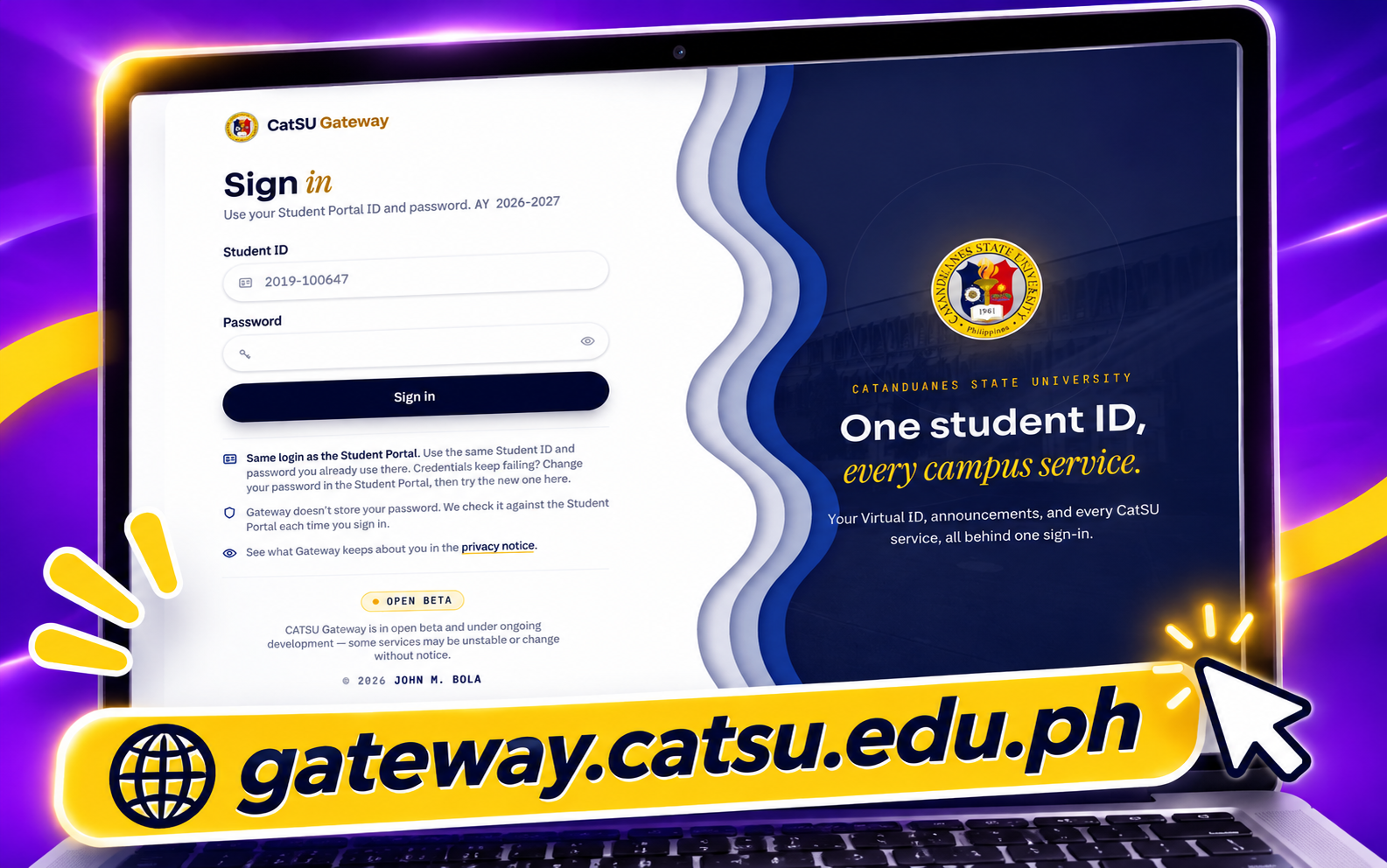
CATSU runs many separate web services: a learning system, staff and records tools, a photo file server, a medical service and more. Without a hub, each one would need its own sign-in, its own copy of student records, its own access rules, and its own way of reaching students. The gateway puts those shared needs in one place.
One sign-in for every service
Students and staff sign in once at the gateway. Each micro app receives a signed identity token and never sees the password.
One list of who may use what
Access to each service is controlled centrally, by course, college and role, and can be switched off for a single app without touching the others.
Shared services, built once
Student ID verification, photo storage, notifications, calendar and health checks are not rebuilt in every app.
Records that come from the source
Student details come from the university's enrollment system, not from entries typed into each app.
Staff can see and act
Admins and developers get one place to watch logins, traffic, health and security events, and to act on them.
What it can do
Single sign-on
Students sign in with credentials checked against the enrollment API.
Staff use a separate admin login, with a role picker when they hold more than one role.
Acts as an OpenID Connect provider, so micro apps use standard sign-in.
Single logout tells each connected app to end its session.
Launching micro apps
A student sees the apps they are allowed to use and launches one with a click.
Access follows course and college whitelists, the same rules for launch and calendar.
Each app gets its own client credentials, which can be rotated or revoked at once.
Apps can be registered by an admin, or self-register and wait for approval.
Student dashboard
A dashboard with announcements, highlights, and an "Upcoming" card.
A calendar merged from each app's live feed, with a note when an app can't be reached.
Account pages for password and a separate notification email.
Terms acknowledgment and surveys, gated before other pages.
Virtual Student ID
A QR code on the student's phone with an opaque, expiring code.
Scanner apps with the right scope can confirm the student's details. The QR itself reveals nothing.
Student photo upload, review, and a re-upload request workflow.
Photos are stored on a separate file server, with a history of changes.
Notifications
Notices from apps go into each student's inbox, with browser push.
Notification emails to a confirmed address, with delivery records.
Students are told when their email bounces or their mailbox is full.
Support
Tickets and support
Students submit support tickets and follow replies.
Support staff reset passwords and look up logins.
Ban and restore actions are recorded in one audit trail.
Dormant accounts can be reviewed and cleared.
Admin tools
Manage services, users, announcements, highlights, and update logs.
Build surveys with gating rules, and export results.
Manage policies, export acknowledgments, and set ticket and photo rules.
Publish system-wide banners and ban notices.
Monitoring and security
Health checks for each app, sampled every minute, with alerts when thresholds are crossed.
Live traffic, online users, capacity limits, and login logs.
Flood and scanner detection that can block addresses automatically.
Security event log with export, and flagged account review.